 GrayJay Sports
Instruction - Google Workspace
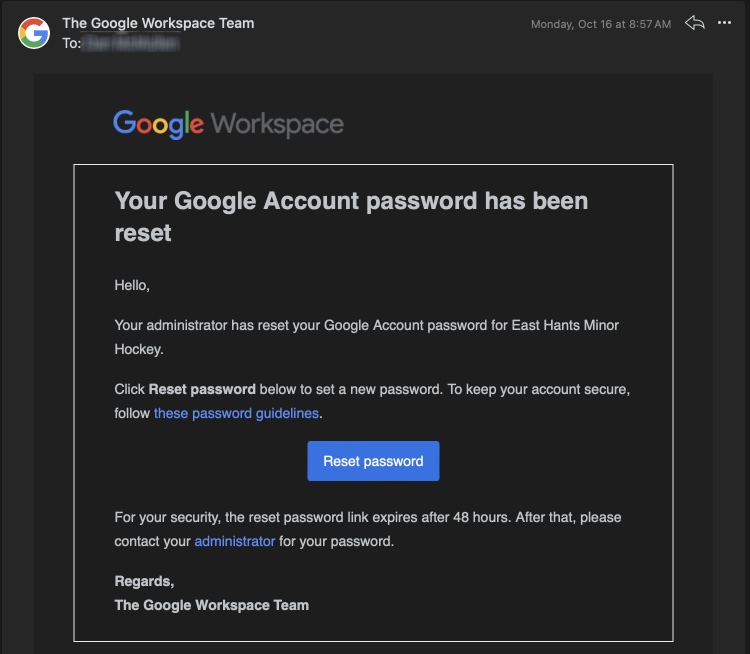
In your personal account you will have received an email from Google workspace for a password reset.
This email may have ended up in your spam or junk folder.
Click Reset password to continue:
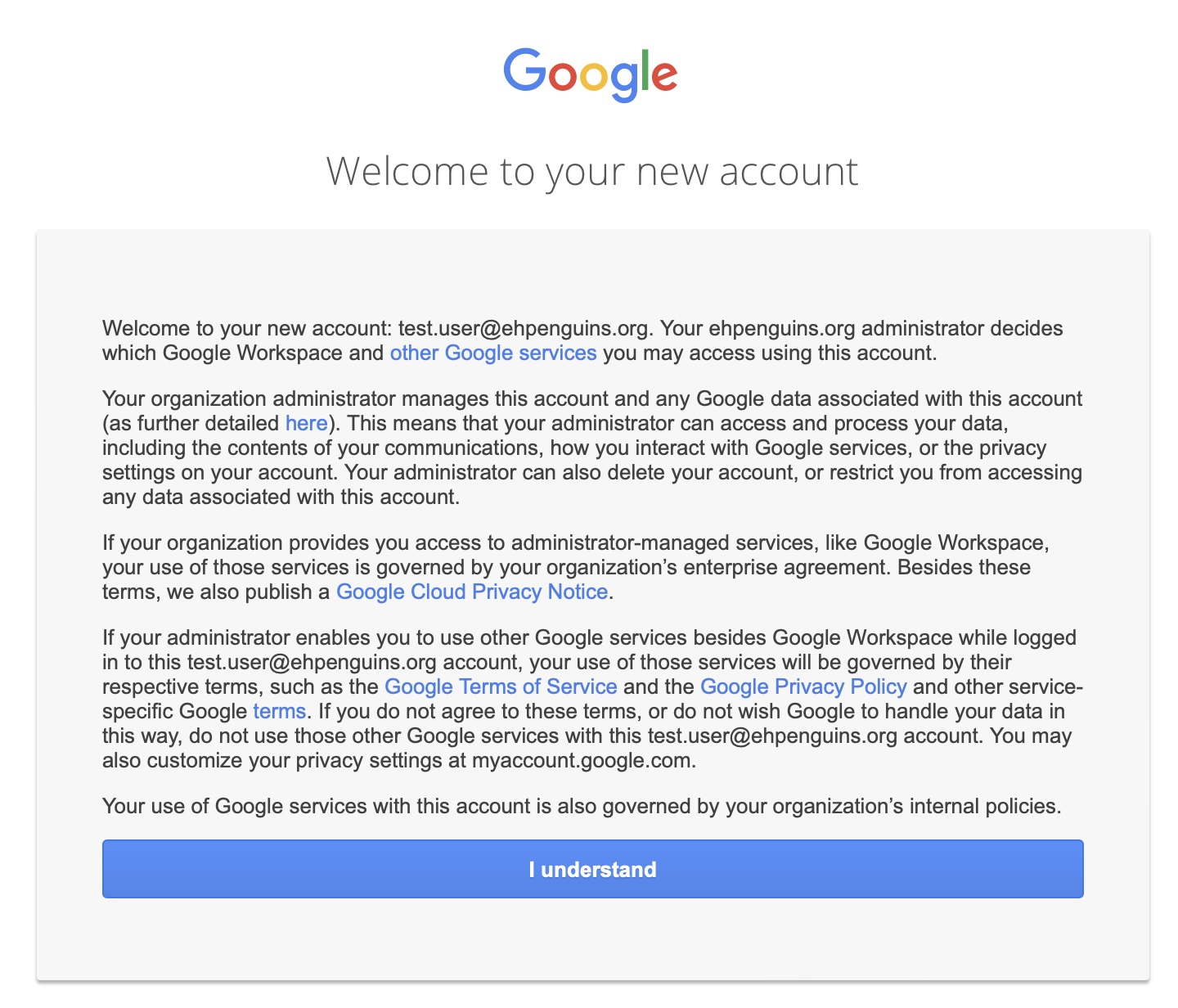
Clicking I understand:
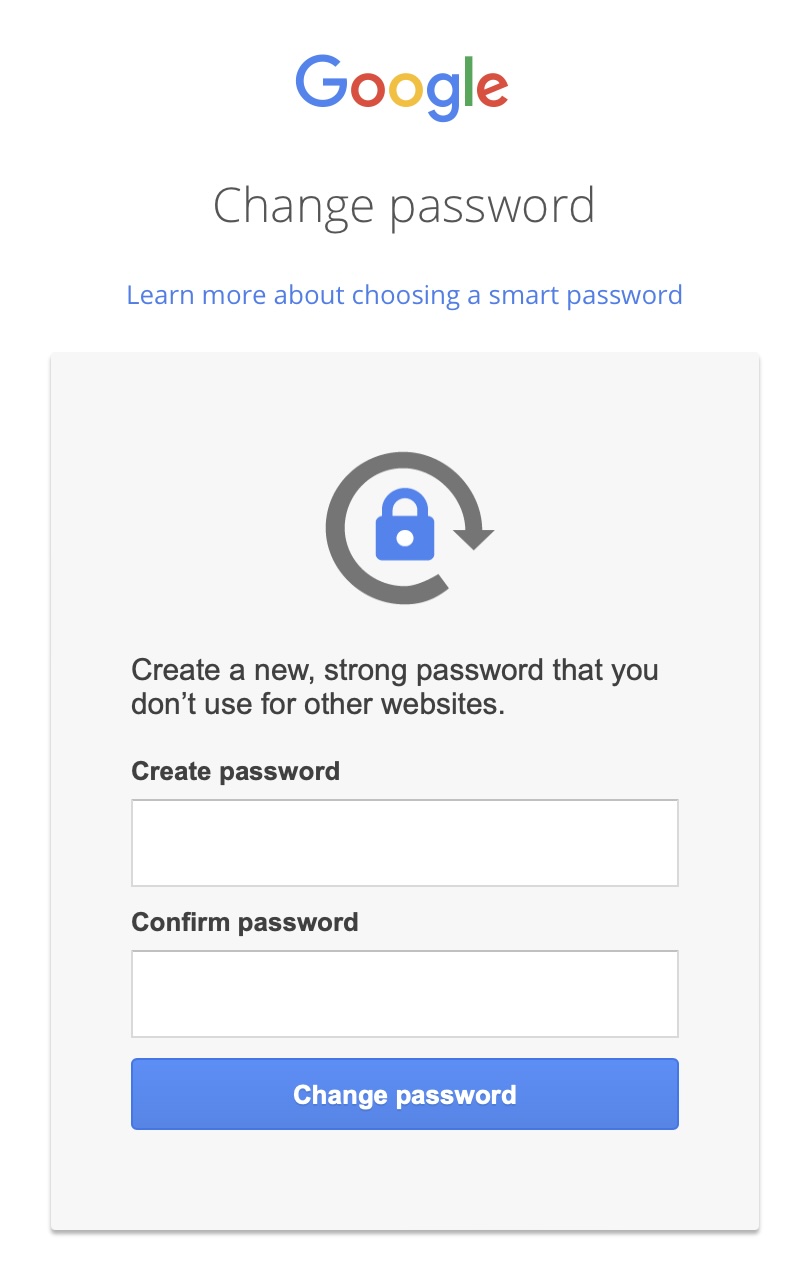
Set a secure password - I recommend 8-12 characters
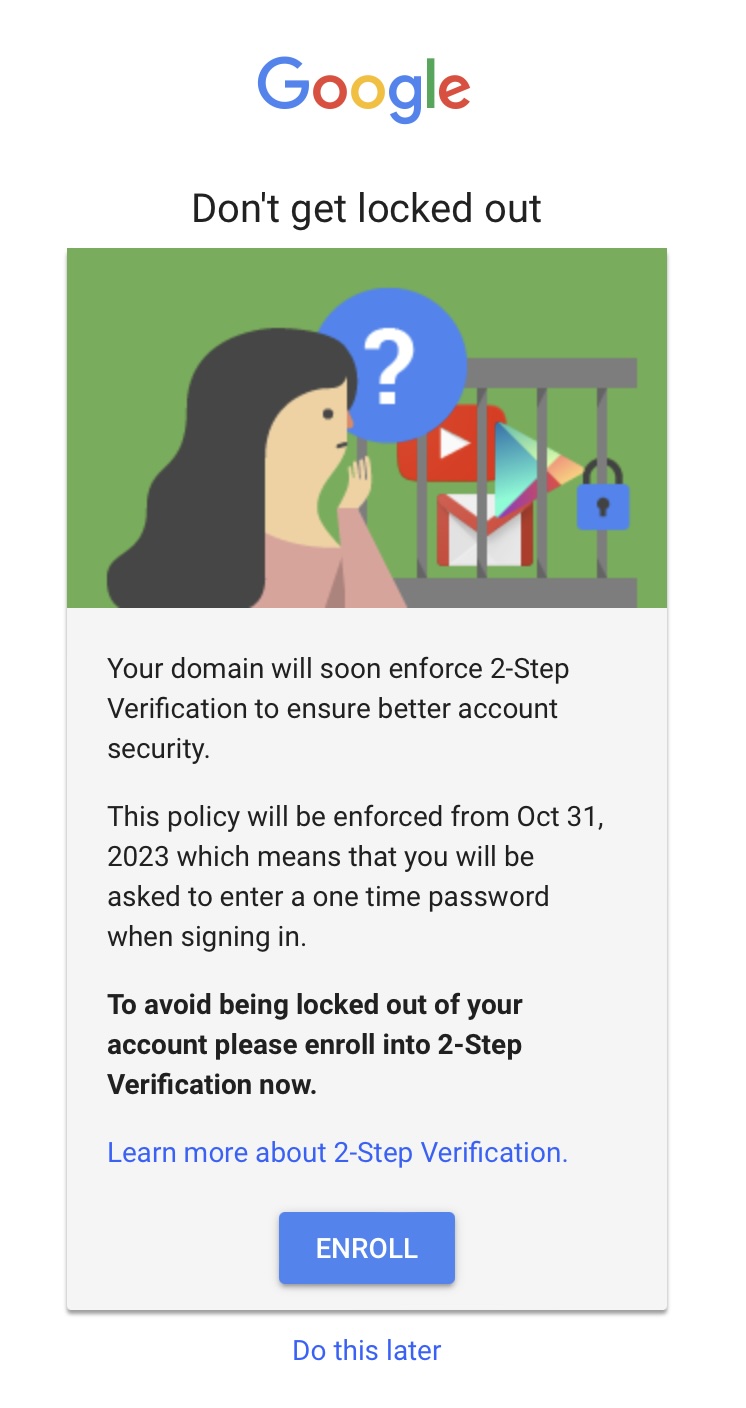
Click ENROLL to set up 2- factor authentication
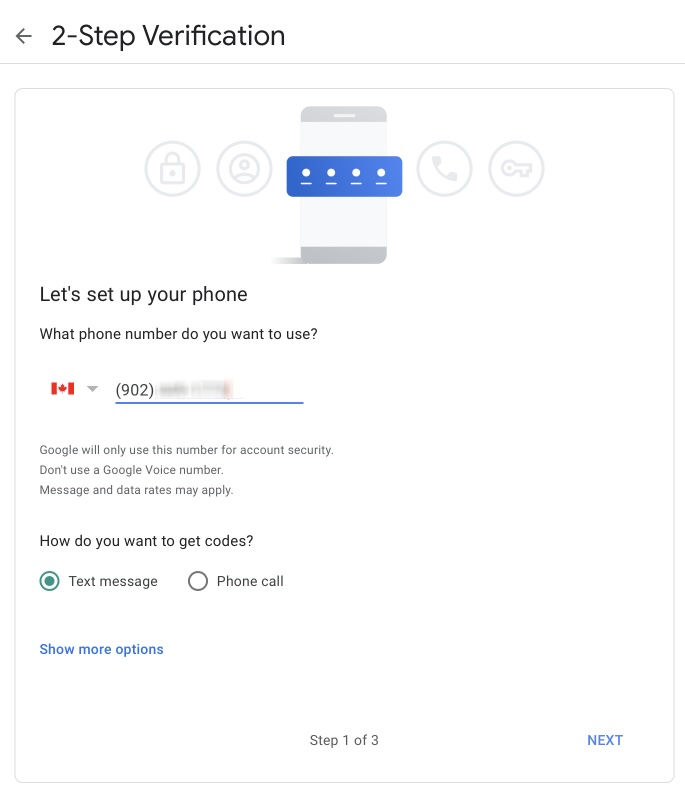
Enter your phone number and make sure text messaging is selected:
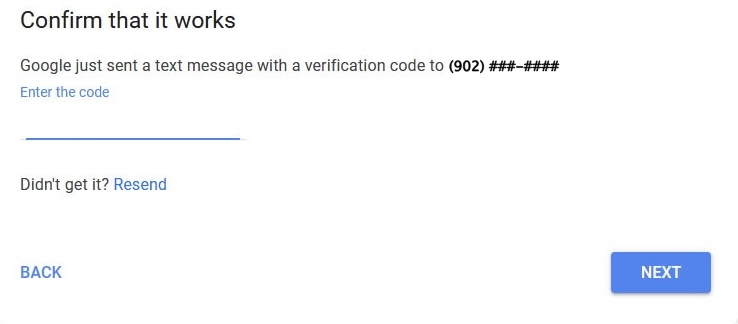
Enter the code you received in a text message and click NEXT:
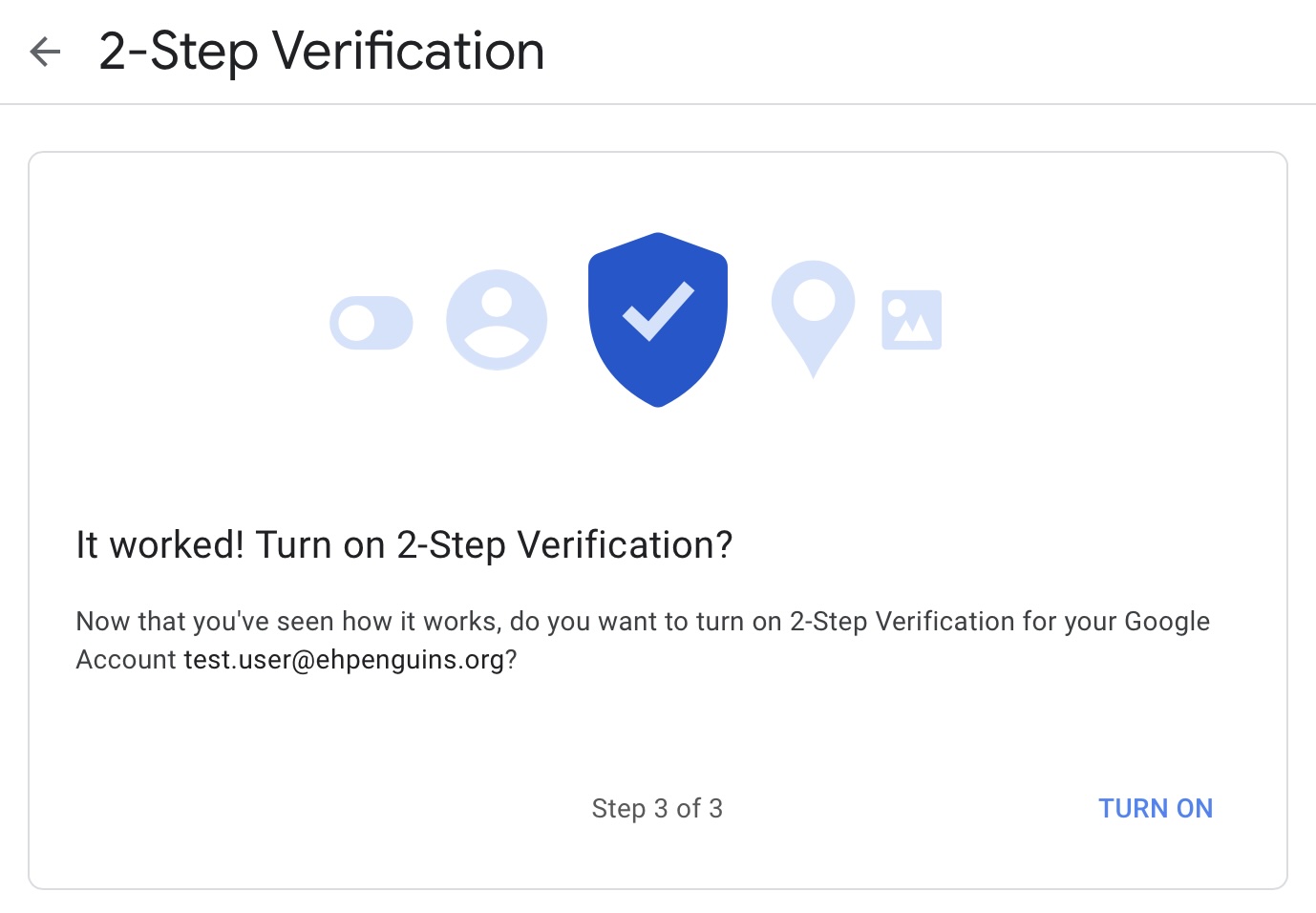
to complete 2-Step Verification click TURN ON:
Once in your new email there should be an email waiting from GrayJay, Coaches and Managers only.
Again this my be in your Spam folder.
Follow the instructions in that email to set up your GrayJay account